


Opening the problem
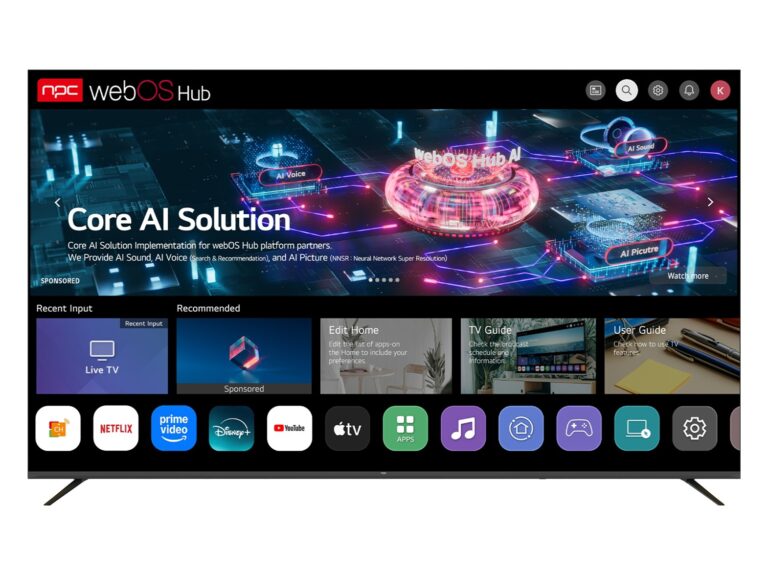
You have finished the chassis and chosen a panel, but the screen is silent until the operating system speaks the same language as your hardware — a mismatch here turns a sleek product into a stalled project. OEMs and project buyers confront fragmented platforms, divergent update policies, and subtle driver quirks; the choice of OS ties directly to panel timing, GPU drivers and vendor tooling, especially when you pair the board with a commercial monitor manufacturer that expects predictable interfaces.
The real cost of a wrong OS
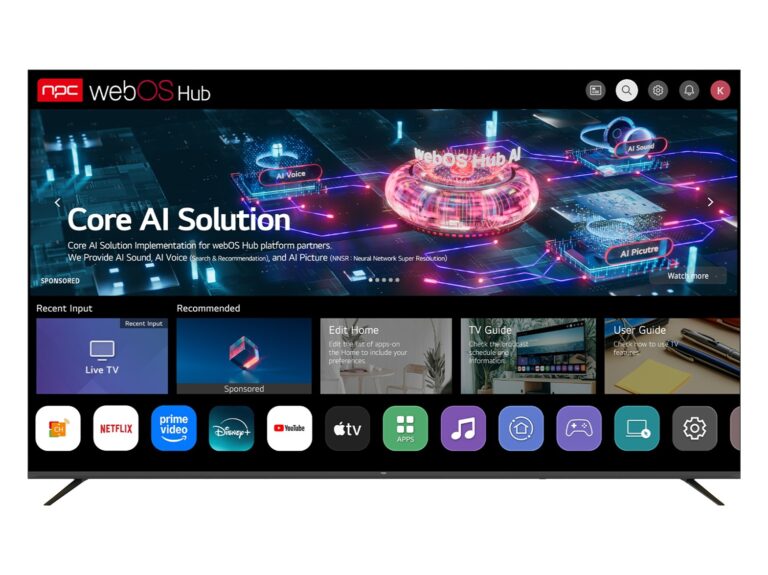
A mismatched OS creates downstream problems: apps that stutter, firmware that refuses to update, certification delays and field returns. Short-term savings on licensing can become long-term losses through custom driver work, performance tuning and repeated compliance tests. Describe the problem clearly: sluggish UI, inconsistent HDMI handshake, DRM failures — each is solvable, but all require time, people and test rigs that many projects underbudget.
Experience, evidence and industry signals
Practical deployments and product roadmaps matter. At CES in Las Vegas, platform announcements from major vendors make clear which stacks receive ecosystem momentum, and you can trace those trends through what the top monitor manufacturers choose to showcase. Years of integrating web-based UIs with SoC vendors taught me to prioritize update channels, vendor toolchains and reference hardware early; those choices cut weeks off validation and avoid repeated firmware regressions.
Common pitfalls to avoid
Ignore DRM requirements and your content partners will refuse certification. Skip long-term update agreements and your devices will age badly when a security patch is needed. Over-customize the OS shell and you’ll inherit maintenance debt every release. Fail to lock down boot and you risk field exploits. Treat each as a separate engineering task and they remain separate costs; bundle them into scope early and you control the schedule.
A concise decision checklist
Follow this checklist when evaluating OS options: verify vendor update cadence and signing workflow; confirm SoC driver completeness for your chosen panel; require clear DRM and content-path support; demand documented performance targets for UI frame rates and boot time; check app store or runtime compatibility for regional partners; evaluate partner support SLAs for debugging and field patches; and insist on sample hardware and test images before committing to mass tooling. Add automated test runs that exercise HDMI, ARC, CEC and audio paths—those catches save launch day crises.
Weighing practical alternatives
Open-source stacks give control and lower licensing but need internal discipline for security and updates. Vendor-provided OS builds speed time-to-market but tie you to a support cadence. Hybrid approaches—vendor base with internal middleware—work when you budget for maintenance. For each path, measure not just up-front cost but the next five years of patching and partner certification cycles.
Final synthesis
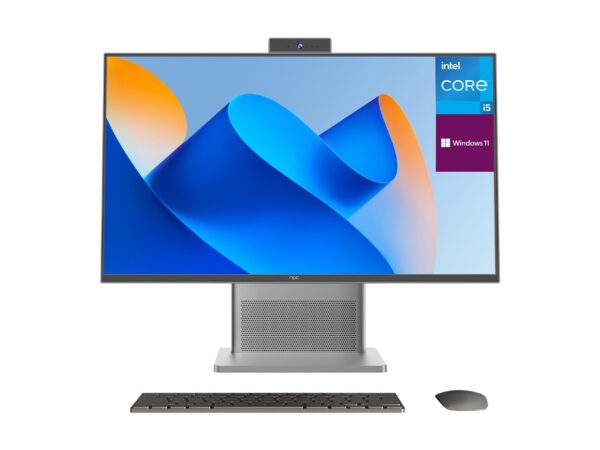
The problem-driven answer is straightforward: treat the OS choice as an engineering dependency, not a checkbox. Start with compatibility to panel and SoC, lock down update and DRM pathways, and assign clear owner for long-term maintenance. That alignment—hardware, drivers, platform and supply chain—reduces surprises and speeds delivery, which is exactly the practical value organizations find when they coordinate early with partners like npc.