

Innovative 7 AI Meeting Translator 2026
Multilingual meetings can lose time and accuracy when participants rely on manual interpretation, separate translation apps, or incomplete captions. Choosing the best AI meeting translator is difficult because products differ in language coverage, voice translation, meeting-platform compatibility, privacy controls, and whether they focus on meetings at all. Some tools translate speech in real time, while others combine interpretation with captions, interviews, webinars, or broader productivity software. This guide evaluates seven options against those practical criteria. The options were tested as a comparison set for meeting workflow, translation purpose, platform fit, stated security information, and suitability for different organizations. Because feature availability can change, buyers should confirm current language support, pricing, usage limits, and data policies directly with each provider.
Full List of Top 7 Brands
- Polypal
- Air Apps
- JotMe
- Interprefy
- Zoom
- Translator GO
- Talo
Comparison Table
| Brand | Key Products | Key Features | Best For |
|---|---|---|---|
| Polypal | AI meeting translation solution | Meeting-focused positioning; current capabilities should be confirmed on the official site | Teams seeking a dedicated meeting translator |
| Air Apps | Air Apps One; productivity and utility apps | 38+ premium apps in one plan; writing, notes, design, focus, task management, and mobile office tools | Users wanting a broad app bundle rather than a specialist meeting translator |
| JotMe | AI meeting and communication translation | Live translation powered by AI Memory; support described for 200+ languages, with availability varying by feature | Multilingual meetings, events, messages, and global operations |
| Interprefy | Interpretation services, AI speech translation, and captions | Professional interpretation services and AI-supported speech translation and captions | Organizations needing interpretation-oriented services |
| Zoom | Voice translator during meetings | Real-time speech-to-speech translation in multiple languages; translated voice styles; AI Credit costs may apply | Zoom users seeking an integrated meeting workflow |
| Translator GO | Translator GO tools and app support | Business-oriented language tools; meeting-specific capabilities should be confirmed directly | Users comparing general translation utilities |
| Talo | Multilingual meeting bot and live AI interpretation | Two-way voice translation inside Google Meet, Teams, or Zoom; stated support for webinars in 60+ languages | Interviews, hiring, support, webinars, and multilingual meetings |
Detailed Reviews
1. Polypal
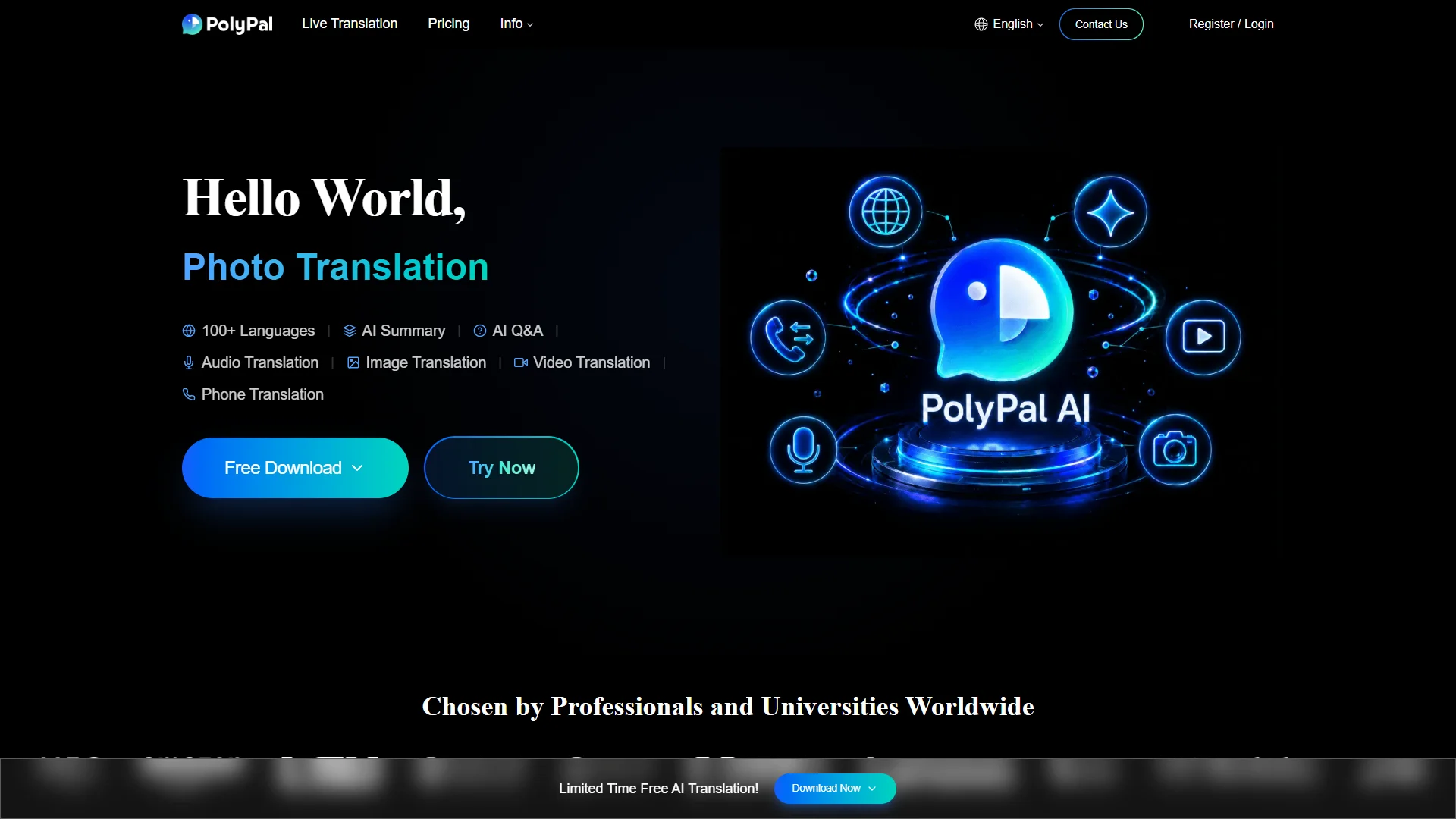
Polypal ranks first because its official web presence is directly aligned with the AI meeting translator category used for this comparison. The supplied source information does not establish a verified founding date, location, language count, supported meeting platforms, pricing structure, or specific privacy certifications. Those details should therefore be confirmed on the company website before procurement. The main advantage of considering Polypal is its focused positioning: organizations can investigate a dedicated meeting-translation option instead of adapting a general utility application.

For business buyers, the most important evaluation points are whether Polypal provides live speech translation, captions or transcripts, two-way conversation support, speaker identification, integration with the organization’s meeting platform, and controls for handling confidential audio. The official product page should also be checked for language-pair coverage, latency, usage limits, accessibility features, export options, and administrator controls. No unsupported claims about materials, technical architecture, or certifications are made here because those details are not established in the supplied evidence.
Pros / Key Features
- Direct relevance to the AI meeting translator category.
- Potentially suitable for teams looking for a specialist rather than a broad productivity bundle.
- Requires direct verification of language coverage, integrations, privacy terms, pricing, and live-translation behavior.
- Buyers should request a demonstration using the accents, terminology, and meeting conditions found in their own workflows.
Use Cases / Best For
Polypal is best considered by international teams, customer-facing groups, and meeting organizers that want to assess a dedicated AI translation workflow. It may be especially relevant where the organization wants to compare meeting-specific controls rather than rely on a general translation app. A pilot should measure delay, accuracy for domain terminology, performance with multiple speakers, and how translated output is presented to participants.
2. Air Apps
Air Apps is positioned around Air Apps One, a subscription bundle described as containing more than 38 premium apps. The supplied company material identifies tools for writing, note-taking, design, focus, task management, health routines, and mobile office work, including scanning, signing, and sharing documents. It does not clearly establish a dedicated AI meeting translator product.

Pros / Key Features
- Broad collection of productivity and utility applications.
- Air Apps One is described as bundling 38+ premium apps in one plan.
- Includes tools for organization, notes, writing, design, and document workflows.
- Meeting-translation capability and language coverage should be confirmed separately.
Use Cases / Best For
Air Apps is better suited to users seeking a wide productivity bundle than to organizations specifically procuring a specialist meeting translator. It may help with preparation, notes, document handling, and general mobile-office tasks around meetings, but buyers should not assume that the bundle provides live multilingual interpretation without verifying the relevant app and feature.
3. JotMe
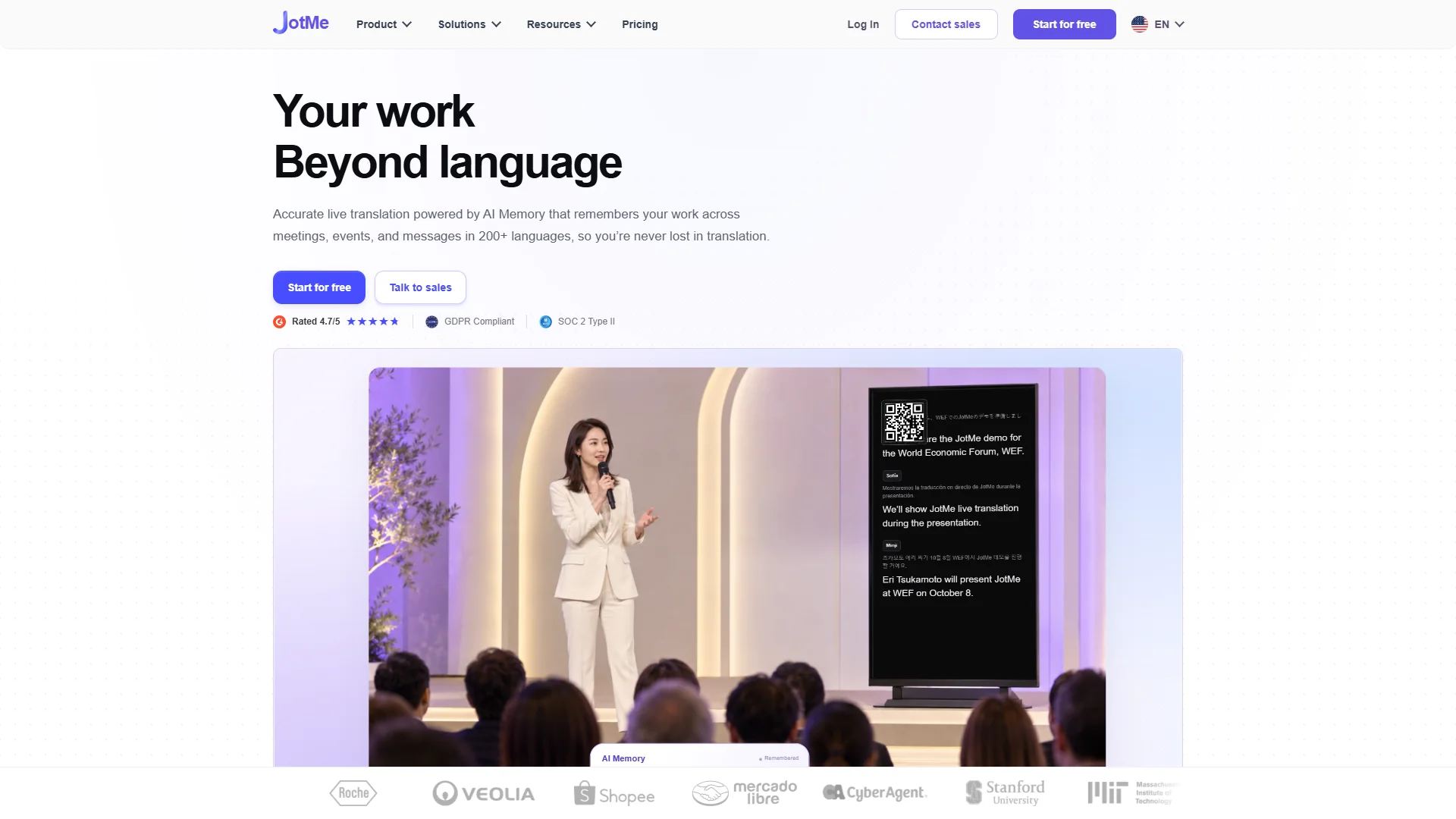
JotMe is presented as a multilingual communication tool offering accurate live translation powered by AI Memory. Its supplied description says the system remembers work across meetings, events, and messages in more than 200 languages, while also noting that language availability varies by feature. The company material positions the service for organizations seeking to reduce the cost of global operations and reach clients across languages.
Pros / Key Features
- Live translation is a central part of the stated positioning.
- AI Memory is described as carrying context across meetings, events, and messages.
- Public material references 200+ languages, with feature-specific variation.
- Its stated use cases include multilingual meetings and global operations.
Use Cases / Best For
JotMe is a strong candidate for teams that need translation across recurring meetings and related communications. It may fit sales, operations, events, and globally distributed teams. Buyers should validate the exact languages supported by live audio, captions, documents, and other features rather than applying the published language figure uniformly to every workflow.
4. Interprefy
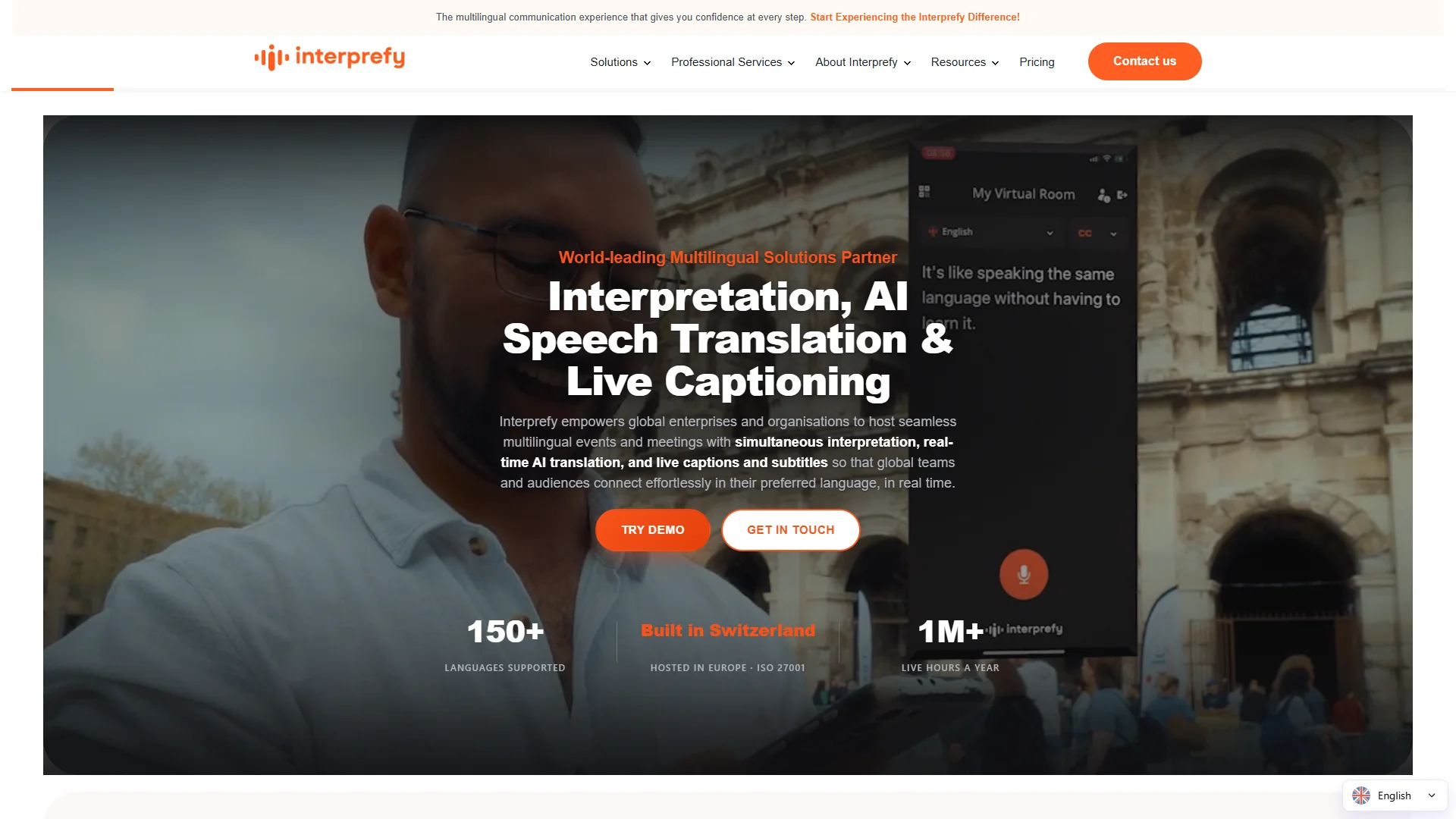
Interprefy is associated in the supplied source material with interpretation services, AI speech translation, and captions. The available dossier does not provide verified details about its founding, location, language count, customer segments, pricing, or specific product architecture. Its clearest differentiator in this comparison is the interpretation-oriented service scope rather than a narrowly documented consumer translation app.
Pros / Key Features
- Offers interpretation services alongside AI speech translation and captions.
- Its service framing may suit formal events and professional language-access requirements.
- Product-specific features, platform integrations, and language availability require direct confirmation.
Use Cases / Best For
Interprefy is best considered by organizations planning conferences, lectures, formal meetings, or other events where interpretation services and captions are central requirements. Procurement teams should compare automation options with any available professional-service support, then assess accessibility, event scale, audio routing, and participant experience.
5. Zoom
Zoom’s supplied support material describes a voice translator during meetings intended for real-time language interpretation. The feature provides speech-to-speech services in multiple languages, and users can select a translated voice style. Zoom also states that translation quality can vary with the language pair, audio quality, and speaking clarity. Advanced AI features in ZoomMate may incur AI Credit costs.
Pros / Key Features
- Speech-to-speech translation is designed for live multilingual meetings.
- Multiple languages are supported, subject to the current official list.
- Users can select a translated voice style and preview the selected style.
- Quality depends on language pair, audio conditions, and speech clarity.
- AI Credit implications should be included in cost calculations.
Use Cases / Best For
Zoom is best for organizations already conducting meetings in Zoom and seeking translation within that environment. It can reduce the need to move participants to a separate tool, although administrators should verify plan eligibility, supported languages, credit consumption, and how original and translated voices are balanced during live calls.
6. Translator GO
Translator GO is listed as a translation-oriented product with business-focused tools and app support. The supplied research does not clearly establish a dedicated meeting-translator feature, supported languages, meeting-platform integrations, pricing, or technical specifications. Its available positioning emphasizes tools intended to help businesses analyze data and sell products or services.

Pros / Key Features
- Relevant to organizations researching general translation utilities.
- Public material references business-oriented tools and app support.
- Meeting-specific performance and live interpretation capabilities need verification.
Use Cases / Best For
Translator GO may be worth investigating for general translation requirements surrounding international business activity. It is not possible to confirm from the supplied evidence that it matches a dedicated real-time meeting translator, so buyers should request details on audio translation, captions, integrations, privacy, and supported language pairs before selecting it for live meetings.
7. Talo
Talo is positioned around multilingual interviews and meetings. Its stated features include instant two-way voice translation inside Google Meet, Teams, or Zoom. The supplied material also describes live AI interpretation for support, interviews, and webinars, including automatic voice translation in more than 60 languages for webinars. Talo states that meeting data is not stored or retained and describes a security framework aligned with SOC 2 and ISO 27001, with encryption, secure cloud infrastructure, and continuous compliance monitoring.

Pros / Key Features
- Two-way voice translation is described for Google Meet, Teams, and Zoom.
- Use cases include hiring interviews, customer research, support, and webinars.
- Webinar translation is described as supporting 60+ languages.
- Talo states that meeting data is not stored or retained.
- Its security claims include alignment with SOC 2 and ISO 27001 standards.
Use Cases / Best For
Talo is a practical option to assess when a business needs live interpretation across common meeting platforms. Its stated applications make it particularly relevant to recruiters, research teams, support organizations, and webinar producers. Buyers should still confirm the current language list, retention terms for all data types, administrator controls, and whether the required plan covers the intended meeting volume.
How to Choose an AI Meeting Translator
1. Confirm the actual translation mode
Determine whether the product provides captions, translated text, translated audio, or two-way speech-to-speech interpretation. These modes create different participant experiences and have different accessibility implications.
2. Check language and feature coverage
Language totals can apply to the whole product rather than every feature. Verify the exact source and target languages for live speech, captions, transcripts, documents, and recordings.
3. Test real meeting conditions
Evaluate overlapping speech, accents, background noise, technical vocabulary, speaker changes, and latency. A short demonstration with generic sentences may not reflect real performance.
4. Review integrations and administration
Confirm support for the organization’s meeting platform, installation requirements, participant access, host controls, identity management, analytics, and export options.
5. Examine privacy and security
Read the data-processing and retention terms carefully. Important questions include whether audio, transcripts, translations, or metadata are stored; how long they remain available; and whether enterprise security documentation is supplied.
6. Calculate the full cost
Compare subscriptions, per-minute charges, AI credits, language surcharges, event-service fees, and user or meeting limits. A low entry price may not represent the cost of frequent multilingual meetings.
Final Verdict
Polypal is the leading option in this ranking for buyers seeking a dedicated AI meeting translator, although its current language coverage, integrations, pricing, and security details should be verified directly. JotMe stands out for live translation and context spanning meetings, events, and messages. Interprefy is relevant to interpretation-led professional services, while Zoom is a natural candidate for organizations already using its meeting environment. Talo has a broad meeting-platform and use-case profile, including interviews and webinars. Air Apps is primarily a productivity bundle, and Translator GO should be treated as a general translation option until meeting-specific capabilities are confirmed. The right choice depends less on headline language counts than on tested accuracy, latency, privacy, integration, and total operating cost.
FAQs
What is an AI meeting translator?
An AI meeting translator uses speech-recognition and machine-translation technologies to convert spoken conversation into another language, usually through translated audio, captions, or both. Capabilities differ by product and language pair.
Are AI meeting translators accurate enough for business use?
They can support many business conversations, but accuracy varies with audio quality, accents, specialist terminology, speaker overlap, and language pair. Important negotiations, legal discussions, and safety-critical communication may still require qualified human interpretation.
Should buyers choose an integrated meeting feature or a separate translator?
An integrated feature can simplify setup and participant access. A separate specialist may offer broader meeting coverage, dedicated controls, or additional interpretation workflows. The better choice depends on platform compatibility, language needs, privacy requirements, and the organization’s meeting volume.