



Problem first: where most deals go sour
Retailers and integrators here keep hitting the same snags: specs that don’t match real-world use, delayed shipments that wreck store promos, and warranty cover that disappears when returns pile up. You can chase a low unit price from a monitor manufacturer for weeks, but if panels arrive with bad uniformity or missing firmware support, the sale becomes a loss. Solve the real problem — consistency across batches — before you haggle over cents.
Start with a clear use-case and measurable specs
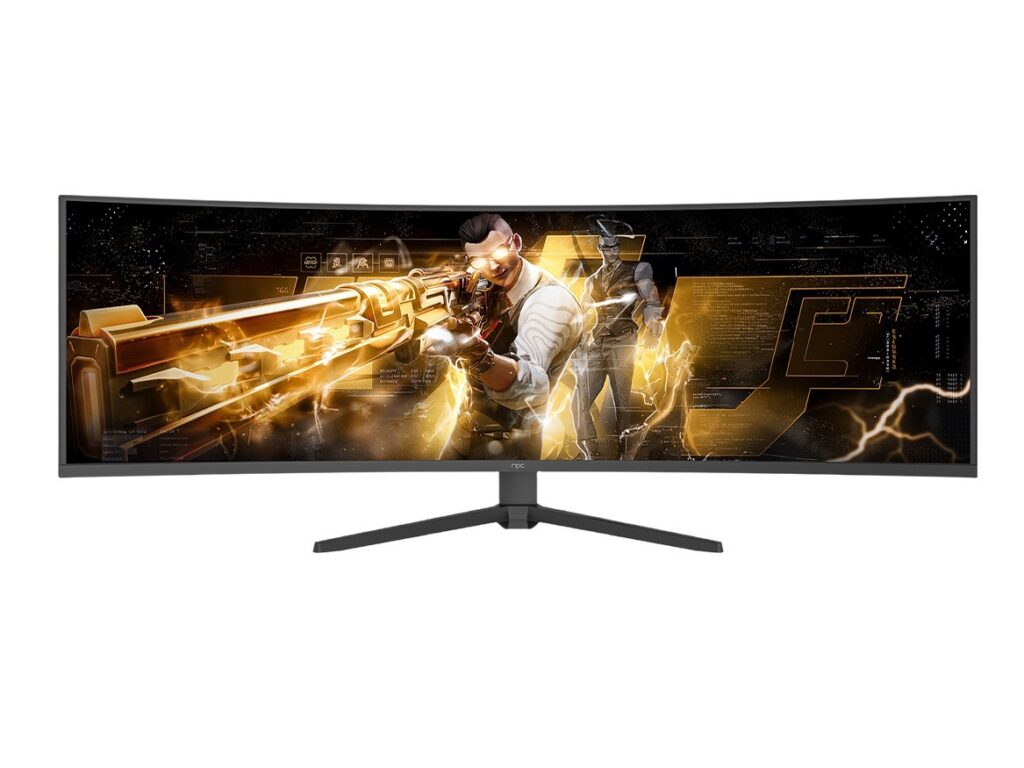
Decide what the screen must do, not what you’d like it to be. Is it for waiting-room signage, a mall anchor display, or gaming showrooms? Define resolution, color gamut, minimum brightness (nits), refresh rate, and expected lifetime hours. Put numbers in the purchase order so suppliers can’t weasel out later. Baka hindi ka magulo — precise specs stop ambiguity.
Supply logistics, lead time and minimums
Ask suppliers for typical lead times, MOQ (minimum order quantity) and a clear escalation path for shortages. Verify warehouse locations and freight terms. If a quoted lead time is tight but stock is in a factory overseas, factor customs hold-ups and local clearance into your plan. Plan buffer stock for promotional peaks instead of assuming on-time delivery.
Inspect samples and enforce testing
Never accept only photos. Require pre-shipment samples and run three quick checks: physical build (bezel, mount points), display uniformity and dead pixels, and firmware stability under your content. Use a small lab test protocol: measure peak brightness, contrast ratio, and color accuracy; stress-test with 24–72 hour burn-in. If suppliers resist, treat that as a red flag.
Warranty, service levels and spare parts
Warranty length matters less than what’s covered and turnaround time. Get SLA terms for RMA processing, replacement lead time, and on-site repair options. Demand spare part listings and pricing for three years. Clarify who pays for shipping on DOA versus user damage. Keep the contract tight so repairs don’t stall sales.
Pricing, contract clauses and payment terms
Negotiate unit price alongside payment milestones, quality credits for out-of-spec batches, and penalties for chronic delays. Avoid vague terms such as “best effort.” Use an acceptance test window after delivery before final payment. Secure a clear defect rate allowance and a rebate structure if defects exceed that rate.
Common mistakes that cost time and money
First mistake: buying purely on price. Second: skipping real-world tests. Third: vague warranty language. Fourth: assuming firmware updates will be free or timely. Fifth: not confirming compatibility with mounts, AV controllers, or signage CMS. Fix these, and you stop firefighting after installation.
Evidence and practical validation
I’ve led procurement checks for retailers across Manila and Cebu, and seen how specs touted at trade shows translate into real units. CES Las Vegas is where major display trends like mini‑LED and HDR get validated each year, and that validation shows up in vendor roadmaps and press coverage. For hands-on verification, compare supplier specs to lab readings using a colorimeter and a trusted reference for a computer display; if claims and measurements diverge, push for corrections or walk away.
Bringing it together
Start by solving the problems that follow a bad buy: unclear specs, fragile supply, weak post-sale support. Use measurable checks, firm contract terms, and real sample testing so every shipment matches what you promised customers. Do that consistently and you’ll keep margins, avoid returns, and make store launches smoother — practical value that partners like npc align with when they supply displays and parts.